Student & Teacher Resources
Maximilian Digital Library
Millions of books, free to explore through Open Library — search, read, and borrow from any device, at school or at home.
Powered by Open Library
A library that never closes
Open Library is a free, non-profit online library from the Internet Archive. Anyone can search its catalogue and read thousands of free books online — and with a free account, borrow many more.
- Free — no fees, no subscriptions
- Any device — reads in the browser
- 24/7 — at school and at home
How it works
Search, read, borrow
Searching and reading free books needs no sign-up at all. An account only comes in when you borrow.
- No account needed
Search
- Go to openlibrary.org and type a title, author, or topic into the search bar.
- Use the filters beside the results to narrow by author, subject, or language — or show only books you can open online.
- Check the button next to each book. Read, Borrow, Join Waitlist, or Preview tells you exactly what you can do with it.
Not sure what to read? Browse by subject → (opens in a new tab)
- No account needed
Read
- Books with a Read button are free for everyone — many are classics whose copyright has expired.
- Click Read to open the book in your browser. Turn pages, zoom in, and search inside the text.
- Many free books can also be read aloud to you, or downloaded to read offline.
Works on laptops, tablets, and phones — nothing to install
- Account needed
Borrow
- Sign in with your own free Open Library account (see “Before you borrow” below).
- Click Borrow. The book opens in your browser for the loan period shown.
- When time is up the book returns itself — no late fees, ever. Finished early? Return it so someone else can read it.
- All copies out? Join the waitlist and Open Library will email you when it is your turn.
Before you borrow
Accounts and staying safe
Borrowing is personal. These rules keep your account — and you — safe.
No account? No problem. You can search the whole catalogue and read every free book without signing up.
Open Library help & FAQ (opens in a new tab) Terms of use (opens in a new tab)
-
Use your own account
Borrowing needs a free Open Library account. Check Open Library’s terms before signing up — if you are not old enough to register on your own, a parent or guardian decides whether to create an account with you.
-
Keep it private
Never share your password, sign in as a classmate, or let anyone else use your account.
-
Protect your details
Pick a username that doesn’t show your full name, keep your reading log private, and never post personal information in public lists or reviews.
-
Follow school rules
At school, use Open Library the same way you use any website — under the school’s rules for devices and the internet, and your teacher’s guidance.
-
Speak up
Open Library is run by an independent organisation, not by ISM. If anything you find worries you or feels inappropriate, close it and tell a teacher straight away.
For teachers
Bring it into the classroom
A few habits that make Open Library work smoothly for a whole class.
-
Build reading lists
Create a list on Open Library and share the link with your class — every title for the unit in one place.
-
Check before you assign
Borrowable books have a limited number of copies. Choose free “Read” titles for whole-class reading so nobody ends up on a waitlist.
-
Read together
Open a free book on the classroom screen for shared reading, or use read-aloud for listening activities.
-
Preview for age
Open Library is a public catalogue, not a curated children’s collection. Preview titles before recommending them, especially to younger grades.
Print & display
Put it on the wall
An A4 poster with the QR code and three simple steps. Students scan it and land straight on Open Library.
- School library
- Classrooms
- Computer lab
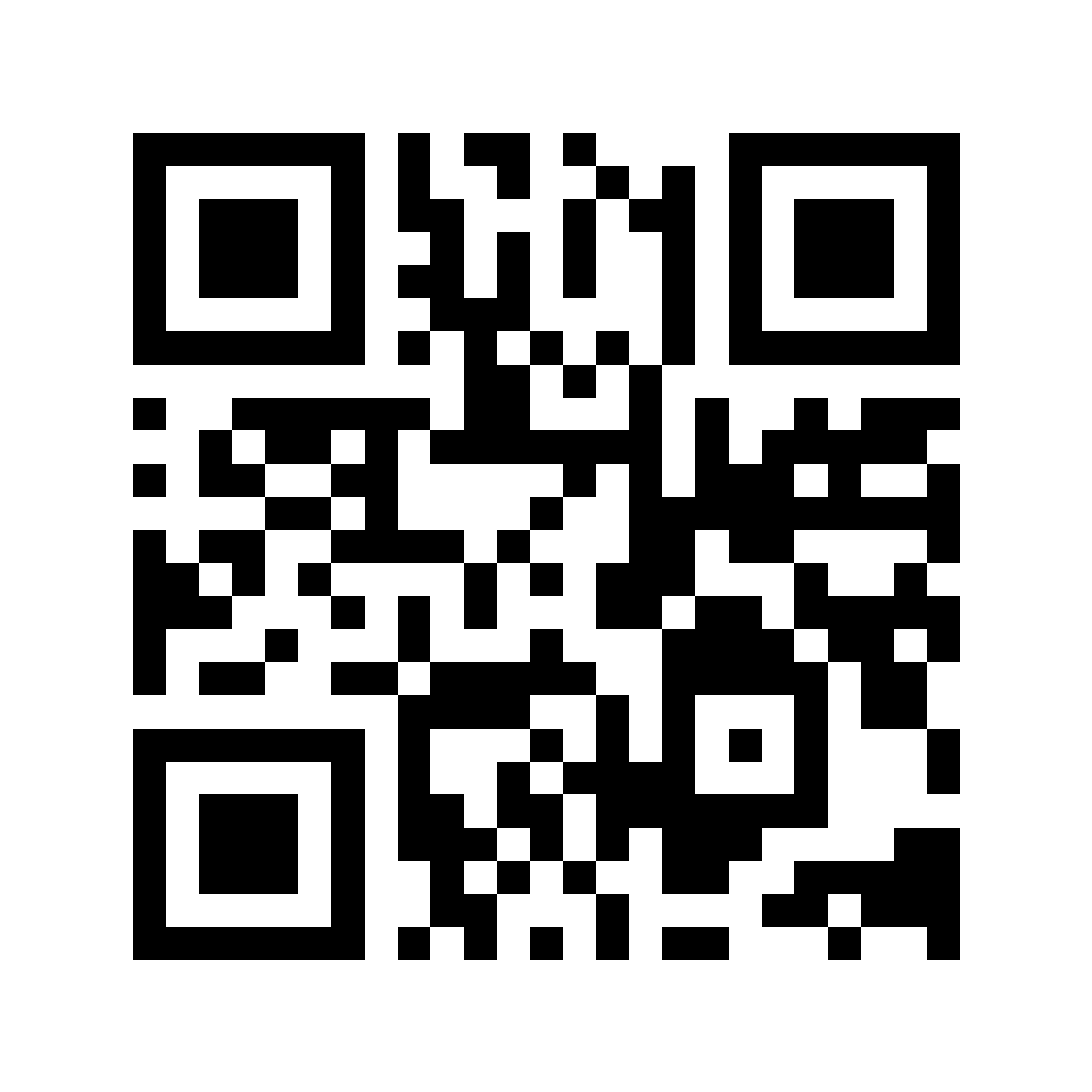
Need a vector for a print shop? Download the SVG.
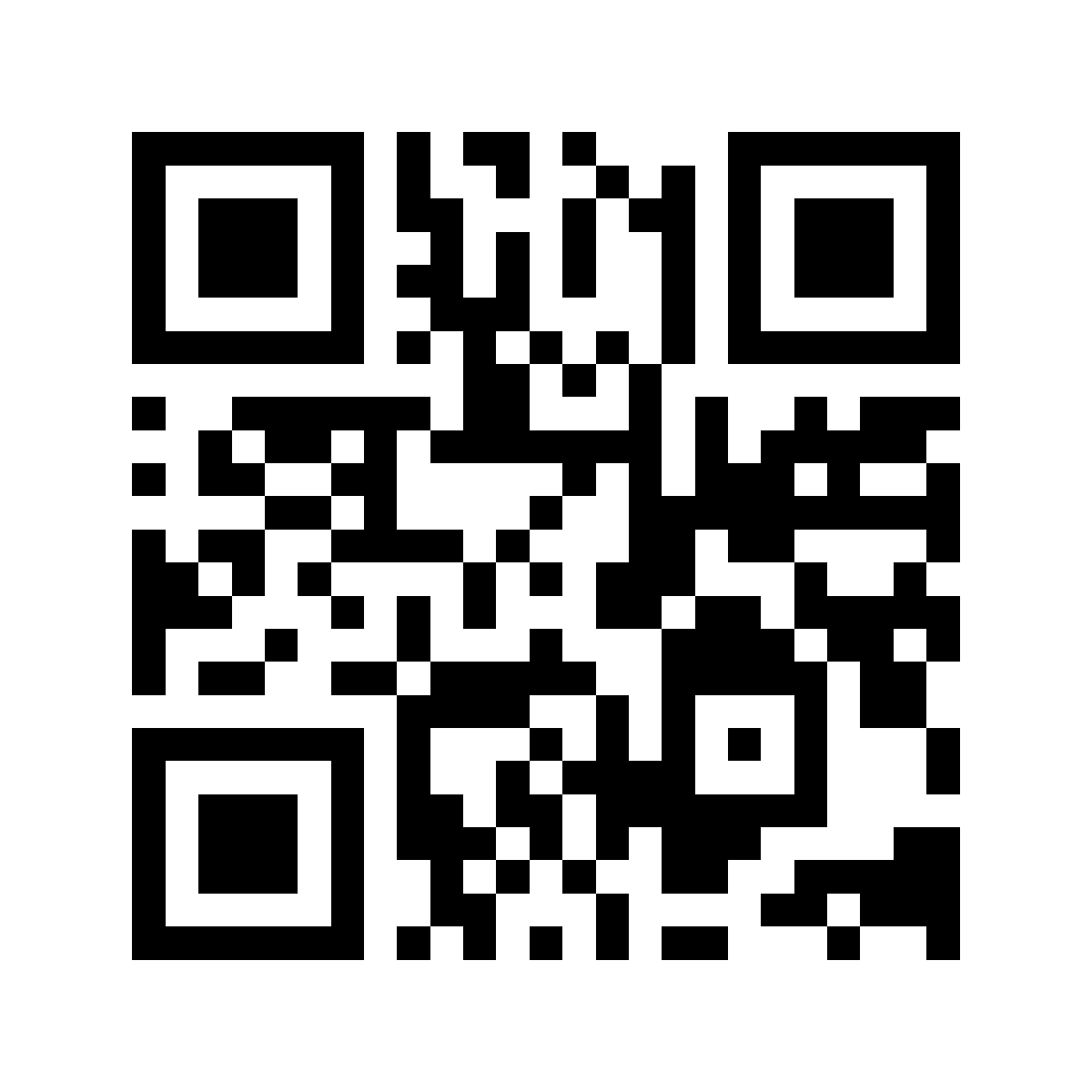
Start reading
Questions about the Digital Library?
Ask your class teacher, or get in touch with the school office — we are happy to help students and families get started.
Open Library is a free service of the Internet Archive, a non-profit organisation. International School Maximilian is not affiliated with Open Library and does not manage its accounts or content.